
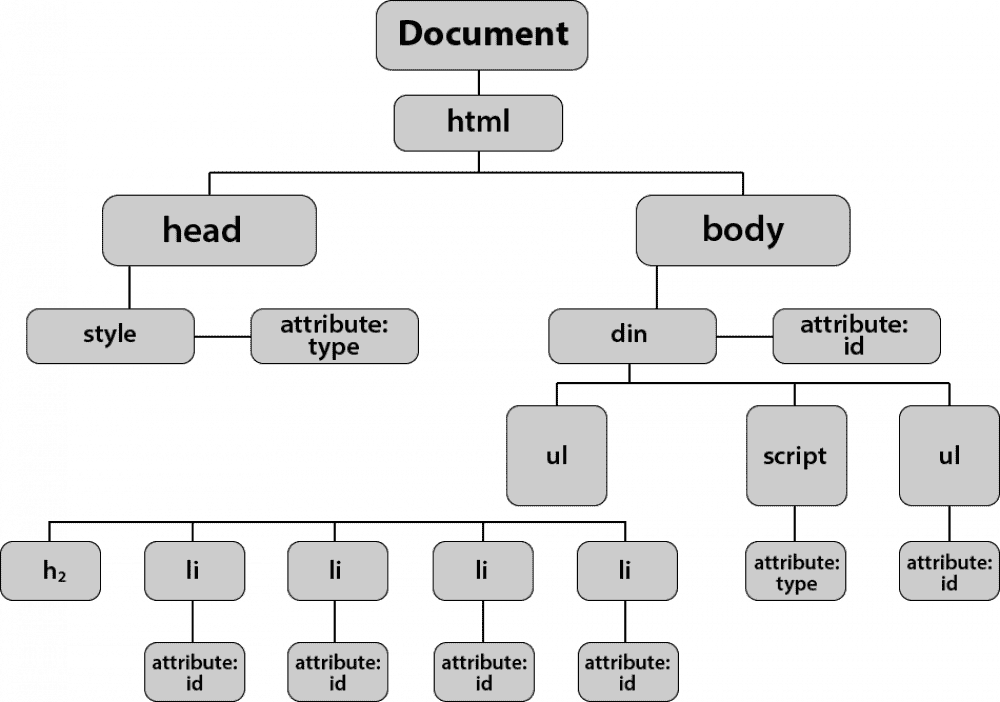
Scrapping sites takes not the last role in web world. If you need support from a software development agency, there are all sorts of instruments & libraries to do that, once i had to parse data from different sites and i was looking for ways to perform it:
Firstly i found proper lib which allows to make requests: request package,
to install this run:
npm i requestwww.npmjs.com/package/request
Now it can be used for getting data from sources, like below:
const request = require("request");getData = async () => {
    return new Promise((res, rej) => {
      return request(this.parseUrl, async (error, response, body) => {
        if (error) {
          return rej(error)
        }
        return res(body);
      });
    })
  }
Here is async function which returns Promise, inside called Get request and set the callbacks.
After getting DOM we need to parse it, the most spreaded tool: cheerio,
install it:
npm i cheeriowww.npmjs.com/package/cheerio
Example how to use:
const cheerio = require("cheerio");getBody = async (body) => {
    if (body) {
      const $ = await cheerio.load(body);
      const links = [];
      $('a').each(function (index, link) {
        links.push($(this).attr('href'))
      })
      return {
        body: $('body'),
        links,
      };
    }
    return { body };
  }
Be sure script is waiting till cheerio loaded body, then can be done whatever is needed.
Here returned object with entire DOM & Array with all links,
by using cheerio it’s easy to get any needed elements or attributes.
In addition: for some reasons it’s good to be able to make regular parsing without PC interaction, using cron or other tools for self-launching scripts allows this, i usually use node-schedule cause it’s simply configured lib,
command for installation:
npm i node-schedulewww.npmjs.com/package/node-schedule
For understang basic usage:
const schedule = require('node-schedule');function scheduleWork(work = () => {}, period = { minutes: '59', hours: '*', days: '*' }) {
  const periodToLaunch = `${period.minutes} ${period.hours} ${period.days} * *`;  return schedule.scheduleJob(periodToLaunch, function() {
    work();
  });
}module.exports = {
  scheduleWork,
};
There is launched script every hour that comes from function arguments.
Thanks for reading this, hope it will save some time for you.
Best regards.